

Examples
The same story, built and reworked in three messages.- Dashboard
- Slide deck
- Your brand
“Build a dashboard of revenue by country”: filters, tabs, KPI tiles, and charts in one view.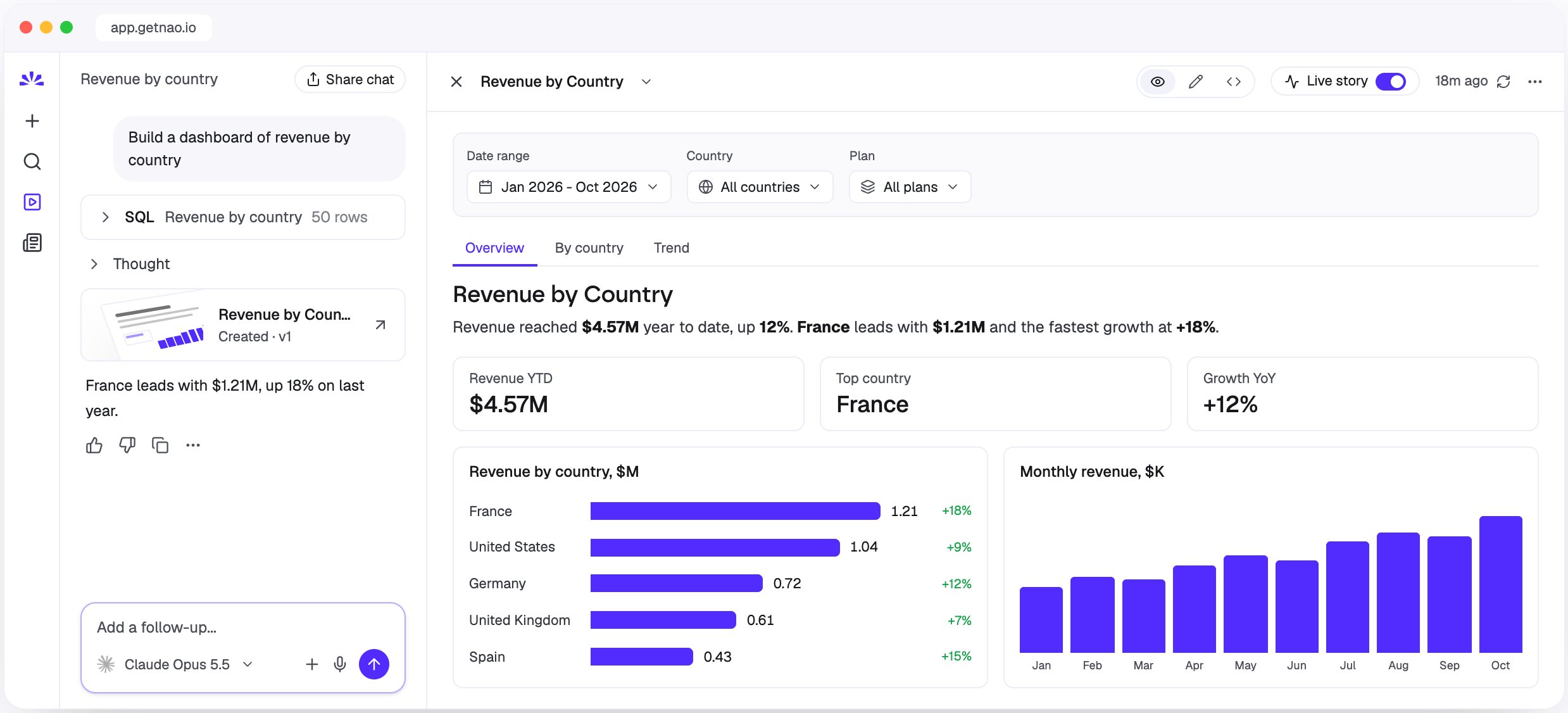
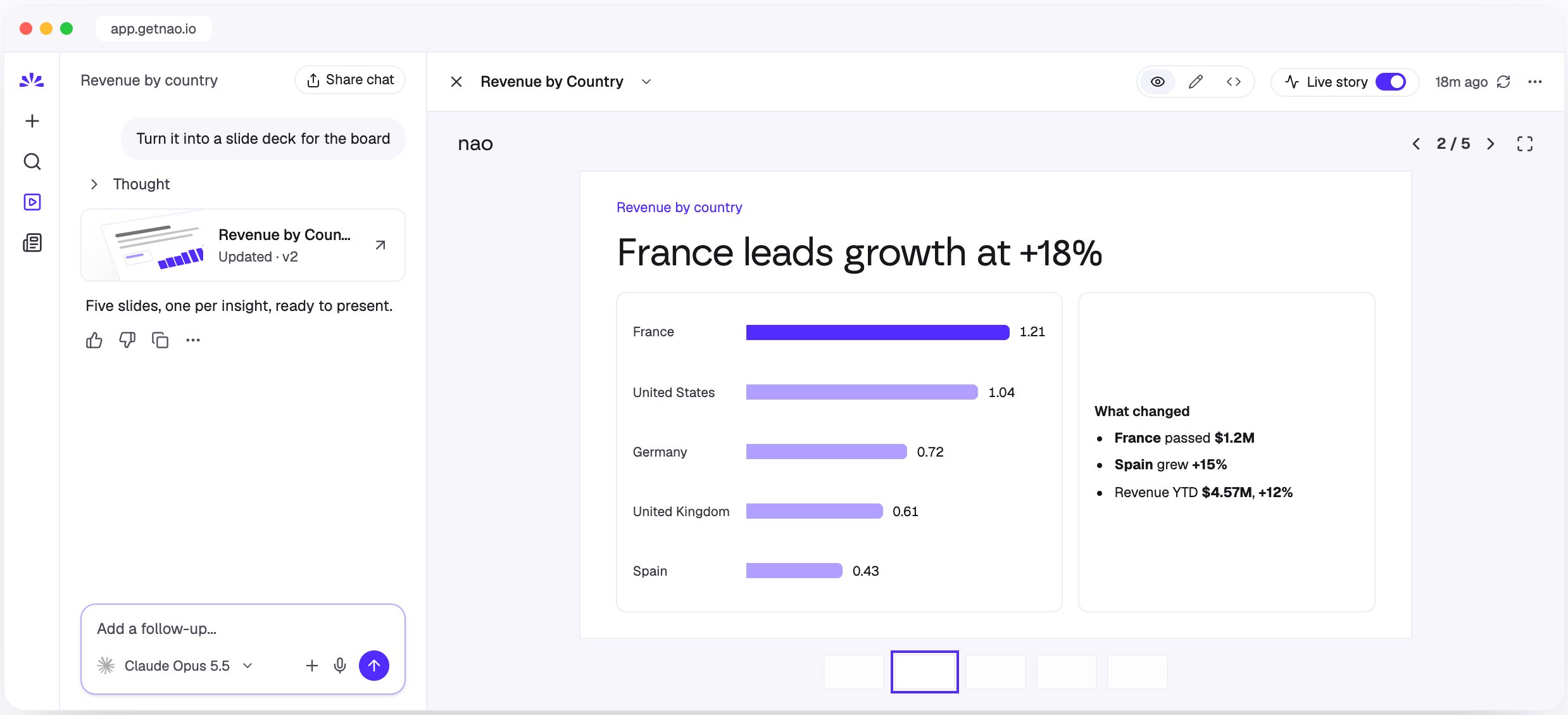
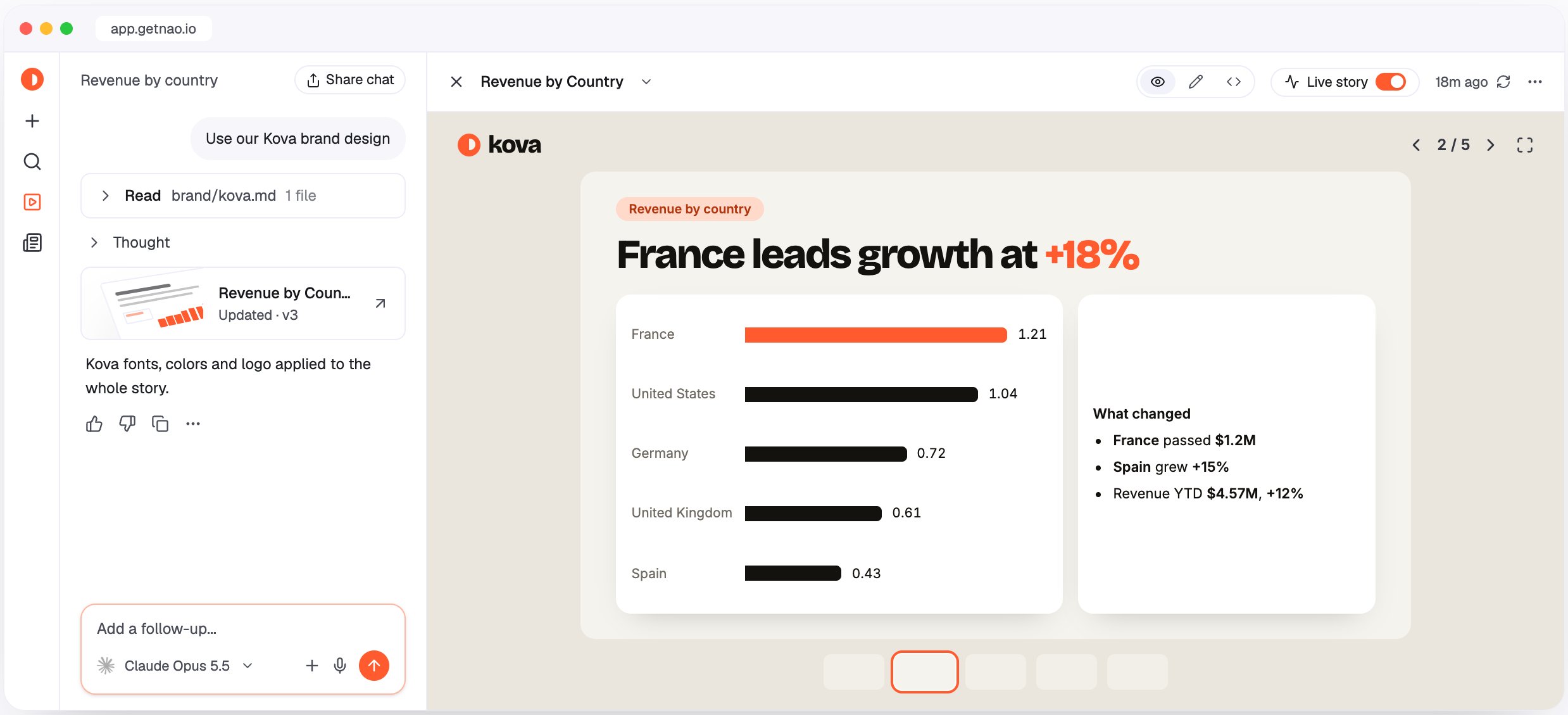
When the agent builds a custom story
You don’t need to choose the format yourself. The agent builds a custom story instead of a classic one when you ask for:- a custom story or an app;
- a format with its own shape: slides, deck, presentation, one-pager, infographic, TV screen, scrollytelling;
- interaction beyond reading: what-if sliders or inputs, calculators, click-to-drill, cross-filtering between charts, toggles between metrics;
- a visual the built-in chart types don’t have (funnel, cohort heatmap, gauge, timeline, calendar, flow) or a bespoke layout.
Create and edit a custom story
- Ask the agent in a chat, for example “Build a what-if simulator for our pricing: let me change the price and churn and see the impact on ARR”.
- The agent runs the queries, writes the app, and publishes it. The story opens in the side panel, and a story card appears in the chat.
- Keep asking in the same chat to change it: “Add a country filter”, “Make it a 16:9 deck”, “Use a funnel instead of the bar chart”. Each publish creates a new version.
Enable custom stories
Custom stories are a beta feature. They are on for nao Cloud. On a self-hosted deployment, they are off by default: set
BETA_CUSTOM_STORIES_ENABLED=true to enable them.Story theme
The story theme is your project’s design system for stories: logo, colours, fonts, header, and block styles. It applies to every story in the project, classic and custom, in both a light and a dark variant. Classic stories follow it in the viewer, the preview, shared pages, and HTML, PDF, and email exports. Only admins can edit the theme.Set up the theme
- Open Settings -> Appearance and select the Stories tab.
- In the Story theme card, use Start from a brand to generate a first theme (see below), or edit the values by hand.
- Turn on Apply to stories.
Generate a theme from your brand
Start from a brand proposes a full theme from:- Theme instructions: describe what you want, for example “Dark and premium, navy with an amber accent”. Instructions take priority over the other sources, and a theme can be generated from instructions alone.
- Sources (optional): a website URL, an image (PNG, JPEG, or WebP), a PDF such as your brand guidelines, or a brand asset ZIP. You can also choose Use the white-label branding (name, primary colour, and logo). The story logo is read as a source too.
Edit the theme by hand
- Story logo: PNG, JPEG, WebP, or SVG, up to 512 KB. It is shown in every story header and kept when you regenerate the theme.
- Brand header: header style (logo, name, or coloured band), brand name, and band colour.
- Typography: font, weight, case, italic, spacing, and size for each text role.
- Blocks: KPI tile style (highlight or tinted) and corner radius.
- Controls: radius for buttons and filter chips (
999gives pills). - Variants: use Derive from the light variant (or dark) to build one variant from the other.
Saved state
Custom stories can remember what viewers do between visits, such as filters, selections, and inputs. The agent decides what to save when it builds the story. There are two scopes:- Personal: each viewer gets their own values back.
- Shared: one value for every viewer. Anyone viewing the story can change it for everyone.
., :, -, _), values up to 32 KB, and 50 keys per story per scope.
Older custom stories that keep their UI state locally show a banner: “Viewers start this story from scratch on every visit.” The owner can click Remember state to ask the agent to convert the story and republish it.