

Start Chat
You can access the chat interface in two ways:Option 1: Using nao chat command
http://localhost:5005.
Option 2: Using Docker
Run the Docker container to access the UI: With built-in example:http://localhost:5005.
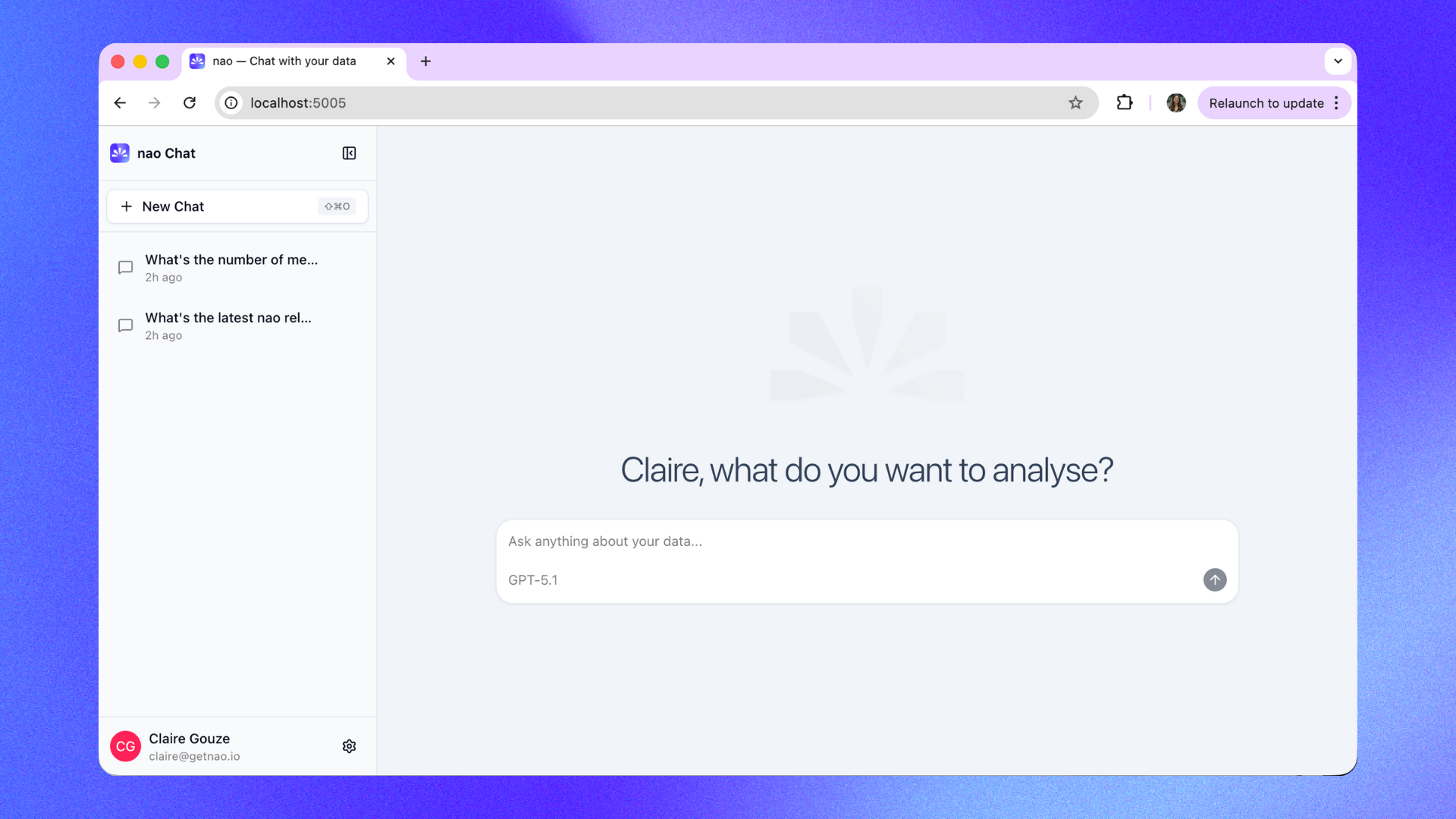
The chat interface runs locally on your machine. No data is sent to external servers unless you configure an external LLM provider.
Ask Questions
Question Input- Type your question in natural language
- Reference previous results in follow-up questions
- Answer: Plain language summary of findings
- SQL Query: The generated query (expandable)
- Data Table: Results in table format
- Visualizations: Automatic charts when appropriate
- Sources: Which context files were used
Tool call density
By default the agent shows its work in detail: SQL queries, Python, and sandbox executions each render as their own block in the thread, alongside charts and stories. If that is more than you want to read, change it from Settings -> Account -> General Settings -> Tool Call Density. The slider has two positions:- Detailed (default) - SQL, Python, and sandboxed code executions are shown as individual expandable blocks.
- Compact - those steps are folded into a single collapsed group you can expand on demand. Charts, stories, clarifications, and follow-up suggestions stay visible either way.
Keyboard shortcuts
PressCmd+/ (or Cmd+:) to open the shortcut list from anywhere in the chat. On Windows and Linux, Ctrl replaces Cmd.
Shortcuts match the character on your keyboard, not its physical position, so they work the same on AZERTY, QWERTZ, and QWERTY.
Cmd+: exists because Cmd+/ is taken by a system shortcut on AZERTY Macs; it is deliberately inactive on QWERTY.Give Feedbacks
Each response has:- 👍 Thumbs up - Mark good responses
- 👎 Thumbs down - Flag issues
Chat Capabilities
Explore all chat features and agent tools
Slack Bot
Set up Slack integration for your team