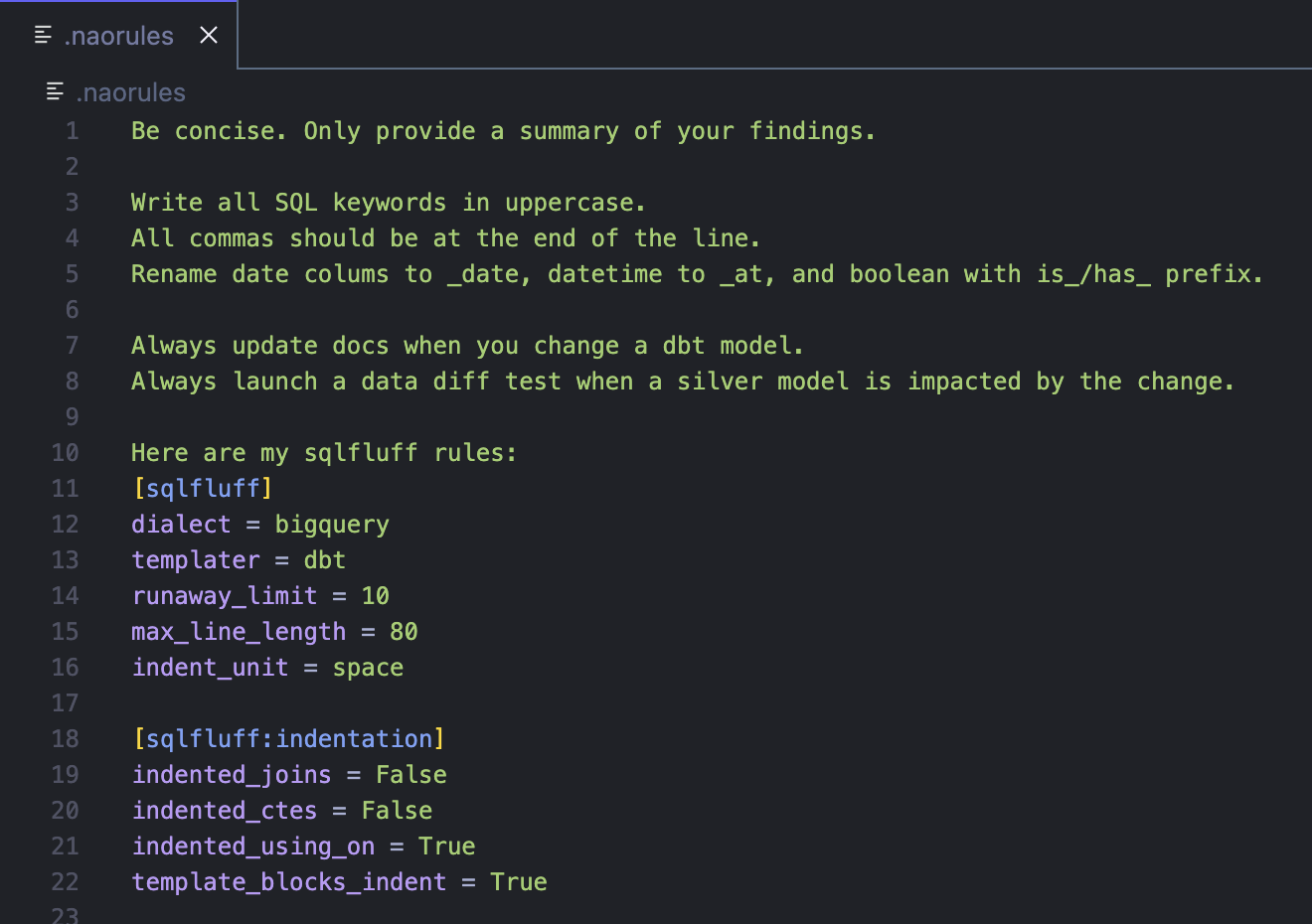
.naorules file is the primary way to customize your agent. Create this file at the root of your project and write your rules in plain English. These rules will be automatically applied to all conversations with the agent.
What you can configure:
- Code style: SQL formatting preferences, naming conventions, code structure
- Agent behavior: Language, tone, response style, documentation habits
- Tool-specific rules: Include your data stack documentation (Airflow, dbt, etc.)
- Project standards: Team conventions, best practices, domain-specific knowledge
claude.md files in your repository. This works similarly to .naorules and provides another way to give project-specific guidelines to the agent. You can use both .naorules and claude.md files together - the agent will read and apply rules from both.
Multiple Documentation Files
You can have multiple documentation files that the agent reads:
.naorules- Primary rules file (recommended)claude.md- Alternative/additional rules file- Both files are read automatically if present in your project root
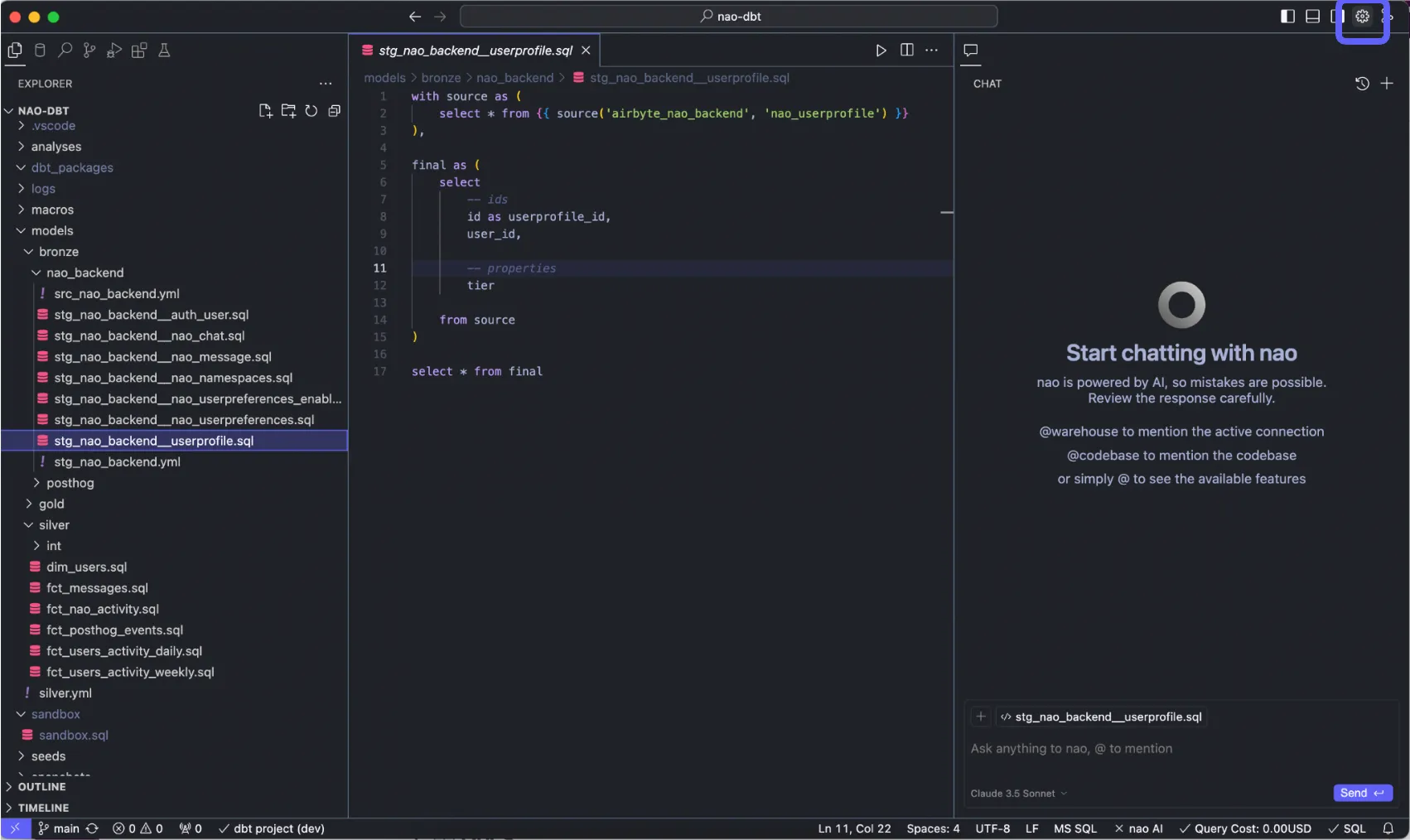
- Go on nao settings at top right
- Go to “Agent” section
Scroll down to Chat -> Nao Rules. Click “+Add” to create .naorules at root folder- Write in plain english your custom rules!