> ## Documentation Index
> Fetch the complete documentation index at: https://docs.getnao.io/llms.txt
> Use this file to discover all available pages before exploring further.
# Models
## Models
You can choose several LLM providers to use in nao agent: Claude, GPT, Gemini, Mistral, Ollama, and AWS Bedrock.
Available Models
**Claude (Anthropic)**
* Claude 3.7 Sonnet
* Claude 4 Sonnet
* Claude 4.5 Sonnet
* Claude Sonnet 4.6
* Claude Opus 4.7
**GPT (OpenAI)**
* GPT-5
* GPT-5.1
* gpt-oss
* Azure-hosted GPT deployments through the Azure OpenAI provider
**Gemini (Google)**
* Gemini 2.5 Flash
* Gemini 2.5 Pro
* Gemini 3 Pro
**Ollama (Local)**
* Any model served by your local Ollama instance
* No API key required
* Default base URL: `http://127.0.0.1:11434`
* You can override the base URL in Advanced Settings
**AWS Bedrock**
* Various models available through AWS Bedrock (requires AWS credentials or API keys)
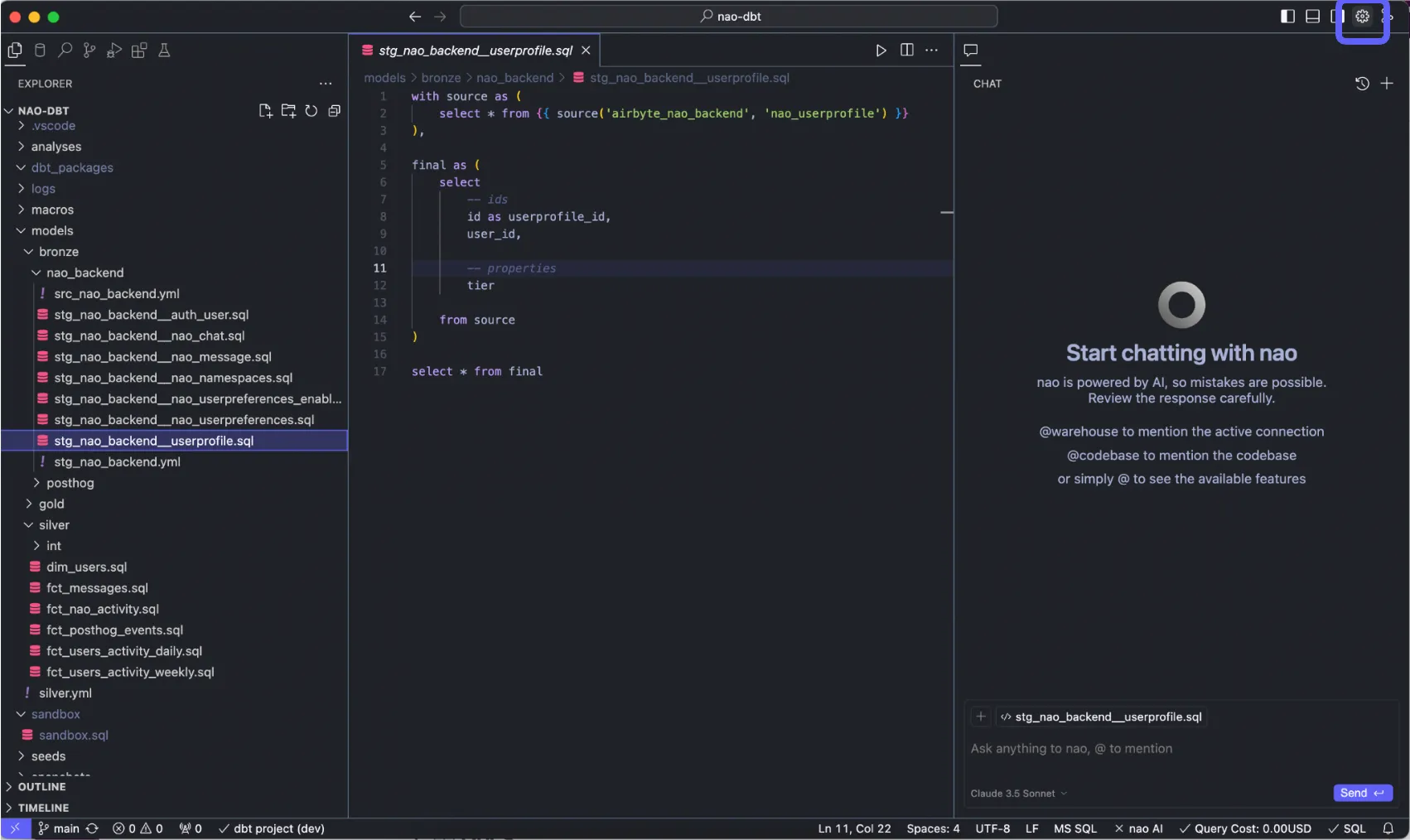
> 1. Go on nao settings at top right
>
>  >
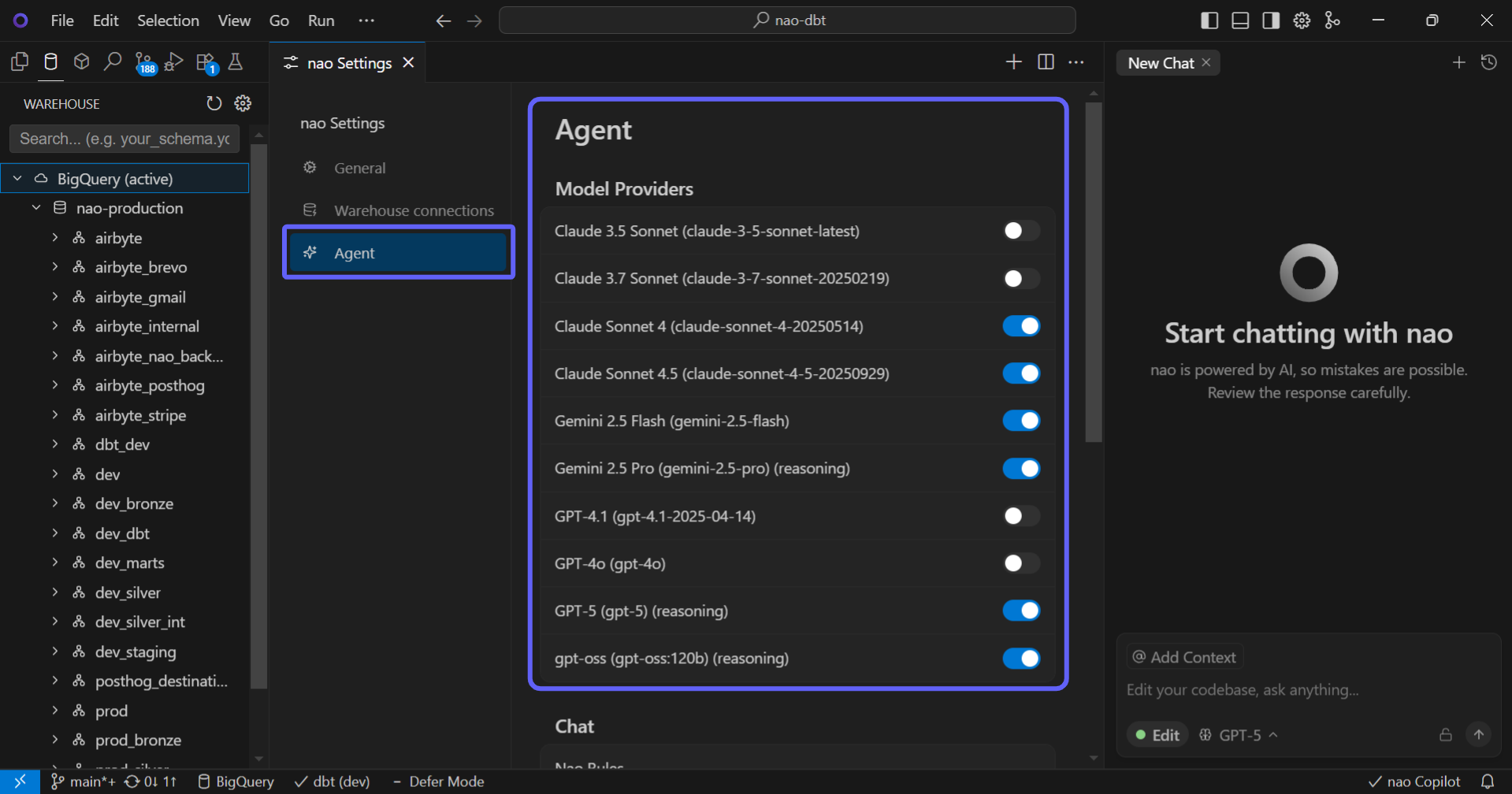
> 2. Go to "Agent" section then "Model Providers"
>
> Enable the LLM providers you want (we strongly recommend Claude)
>
>
>
> 2. Go to "Agent" section then "Model Providers"
>
> Enable the LLM providers you want (we strongly recommend Claude)
>
>  >
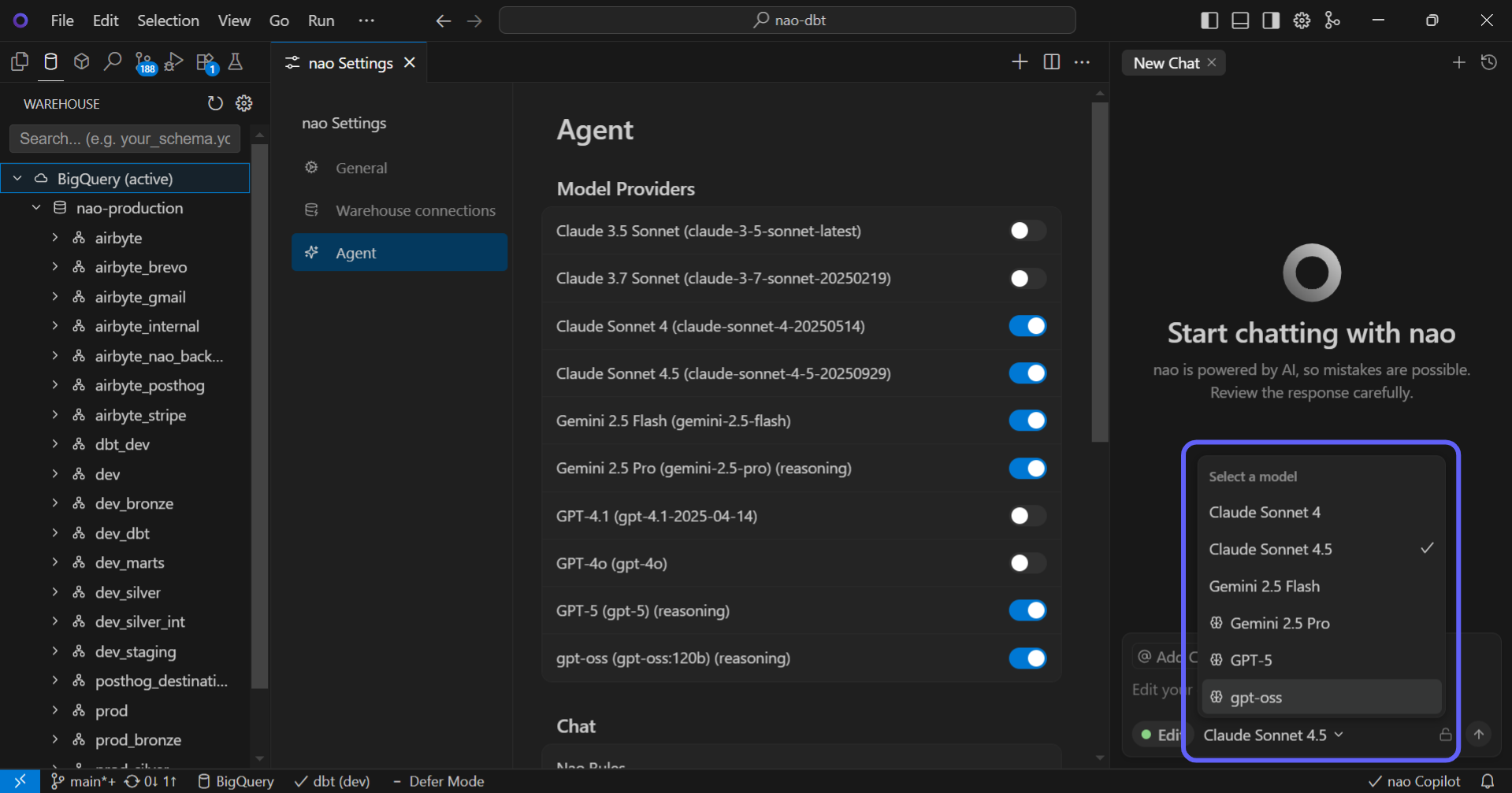
> 3. In the chat, change the LLM you want whenever
>
>
>
> 3. In the chat, change the LLM you want whenever
>
>  Change Model from Chat
You can switch between different LLM models directly from the chat interface. Click on the model selector in the chat header to choose a different model for your conversation.
AWS Bedrock Integration
nao supports AWS Bedrock models, allowing you to use Amazon's AI services. You can connect using either:
* **API Keys**: Configure Bedrock API keys in Settings > Agent > Model Providers
* **AWS Credentials**: Connect using your AWS credentials for enhanced security
Azure-hosted OpenAI and Anthropic models
nao also supports Azure-hosted models:
* Use **Azure OpenAI** for Azure GPT deployments
* Use **Anthropic** for Claude deployments hosted on Azure AI Foundry
* When Azure gives you a full endpoint, paste the URL prefix only. For example, use `.../openai` instead of `.../openai/v1/`, and use `.../anthropic/v1` instead of `.../anthropic/v1/messages`
For the exact field-by-field setup, see [Admin Setup](/nao-agent/chat/admin/setup#choose-llm-models).
Using Your Own API Keys
**Enterprise Feature**
Using your own API keys for LLM models is available only in Enterprise plans. This allows you to:
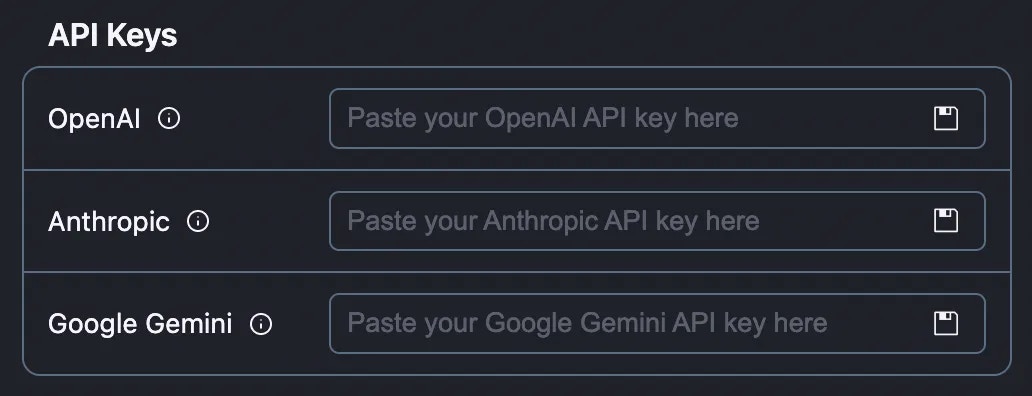
* Use your own OpenAI, Anthropic, Bedrock or Gemini API keys
* Use Ollama without API keys when running models locally
* Maintain compliance with your organization's security policies
Companies can use their own API keys. [Reach out to us](https://getnao.io/calendar.html) if you want to use your own keys.
>
Change Model from Chat
You can switch between different LLM models directly from the chat interface. Click on the model selector in the chat header to choose a different model for your conversation.
AWS Bedrock Integration
nao supports AWS Bedrock models, allowing you to use Amazon's AI services. You can connect using either:
* **API Keys**: Configure Bedrock API keys in Settings > Agent > Model Providers
* **AWS Credentials**: Connect using your AWS credentials for enhanced security
Azure-hosted OpenAI and Anthropic models
nao also supports Azure-hosted models:
* Use **Azure OpenAI** for Azure GPT deployments
* Use **Anthropic** for Claude deployments hosted on Azure AI Foundry
* When Azure gives you a full endpoint, paste the URL prefix only. For example, use `.../openai` instead of `.../openai/v1/`, and use `.../anthropic/v1` instead of `.../anthropic/v1/messages`
For the exact field-by-field setup, see [Admin Setup](/nao-agent/chat/admin/setup#choose-llm-models).
Using Your Own API Keys
**Enterprise Feature**
Using your own API keys for LLM models is available only in Enterprise plans. This allows you to:
* Use your own OpenAI, Anthropic, Bedrock or Gemini API keys
* Use Ollama without API keys when running models locally
* Maintain compliance with your organization's security policies
Companies can use their own API keys. [Reach out to us](https://getnao.io/calendar.html) if you want to use your own keys.
>