> ## Documentation Index
> Fetch the complete documentation index at: https://docs.getnao.io/llms.txt
> Use this file to discover all available pages before exploring further.
# Sandbox
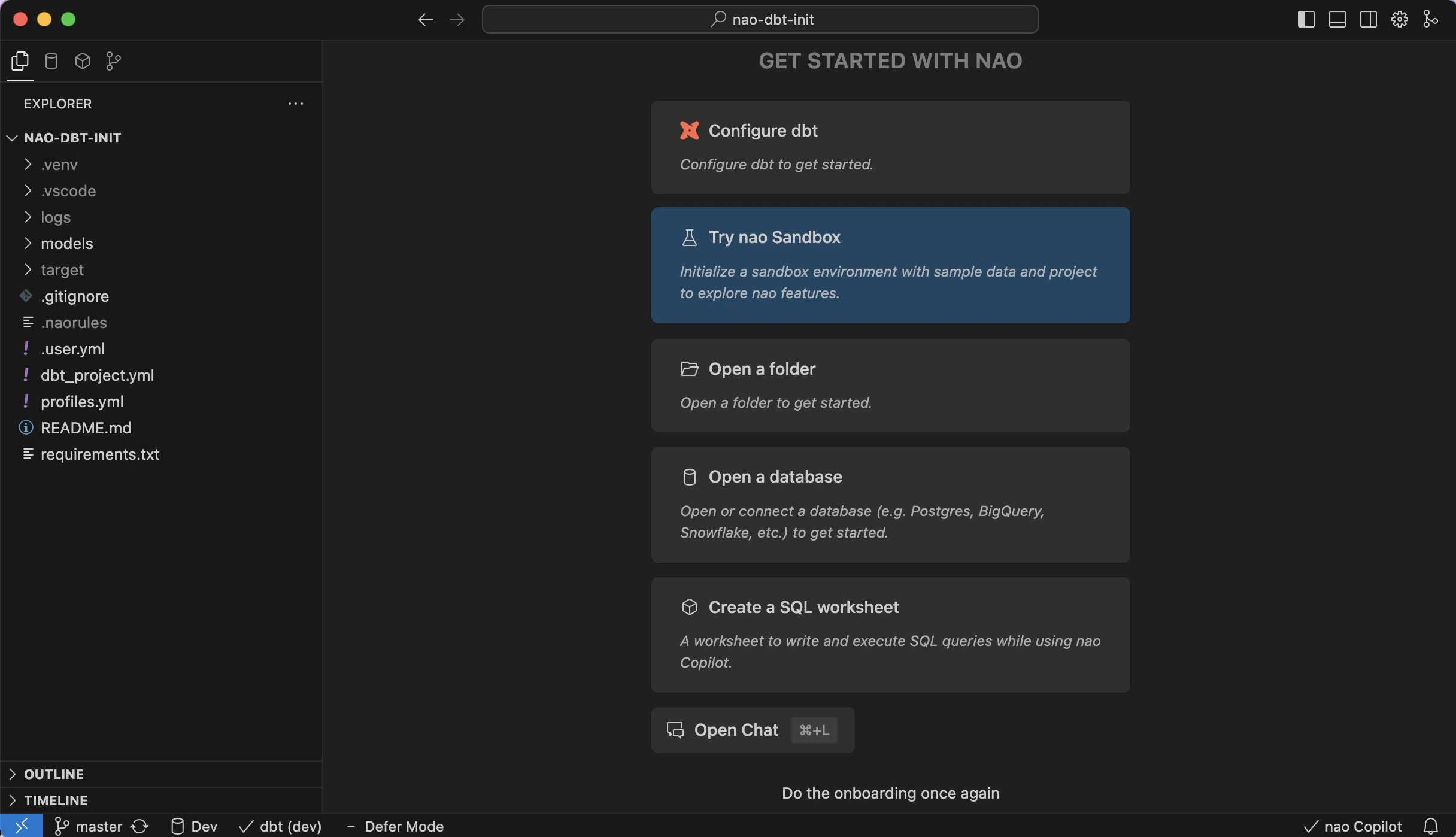
Use the nao sandbox to try every feature without touching your production environment. The sandbox ships with sample data, a configured dbt project, and a DuckDB warehouse so you can explore nao instantly.
## What's in the Sandbox?
The sandbox comes with:
* A pre-configured jaffle shop dbt project to explore and experiment with
* A DuckDB connection with sample data ready to query
* Full access to all nao features
**What you can test**
Work with dbt:
* Create and modify dbt models
* Preview model results directly in nao
Explore data:
* Create SQL worksheets
* Use AI-powered tab and agent for assistance
**DuckDB Instant Preview**
With DuckDB connection, you can experiment instant preview within nao (queries in worksheets)